What It Is
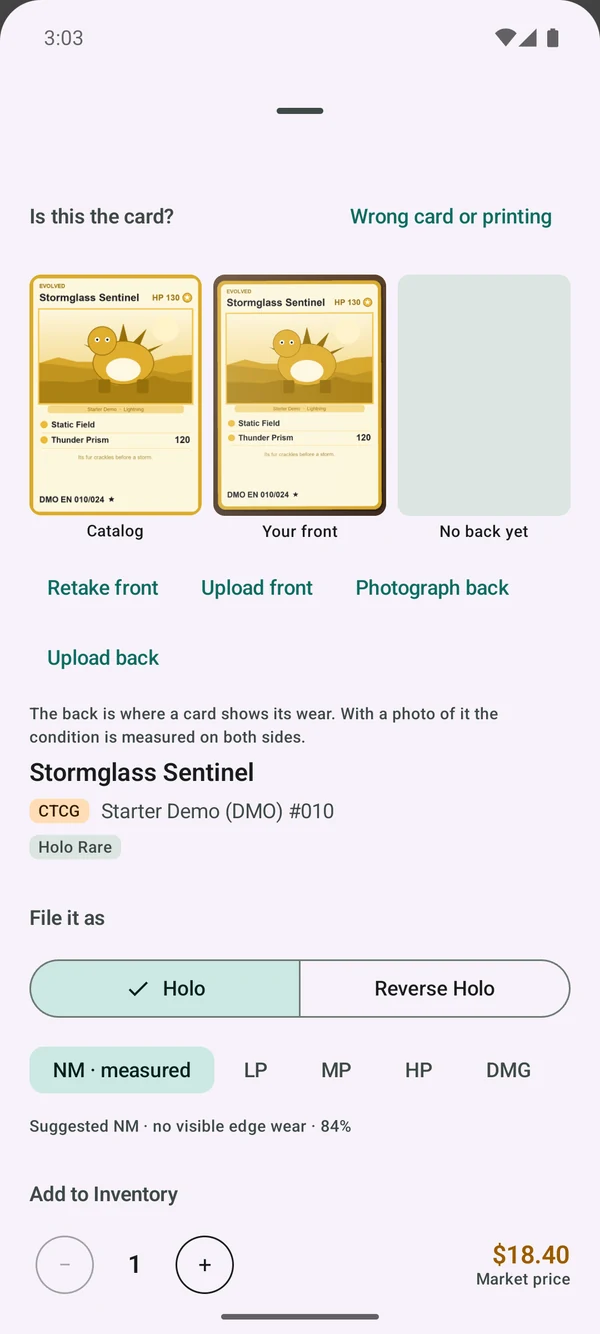
CardStore Inventory is an Android app built around the way a trading-card shop takes cards into stock. Point the phone's camera at a card, or pick a photo you already took, and check it against the catalog: your photo sits beside the catalog image, with the set, number and printing, so you can confirm it is the right card. You see its market price, pick the condition and quantity, and add it to stock.
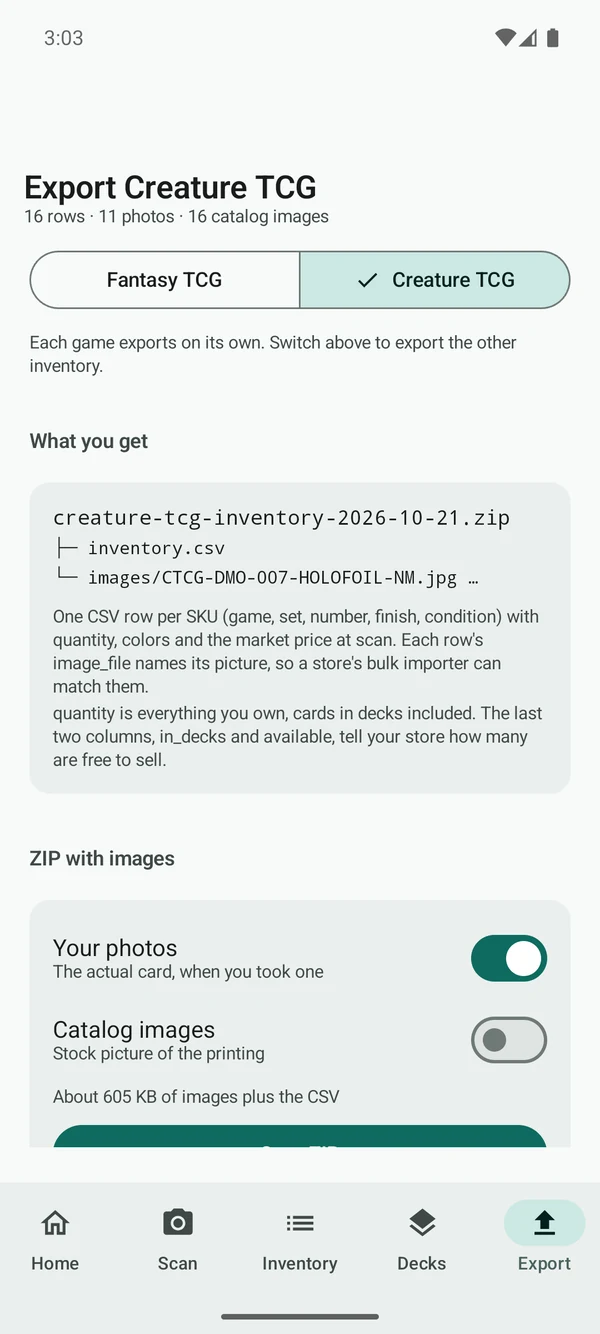
It also has search by name, set or number, export to CSV, and backup and restore.
The video and screenshots on this page come from a demo build of the app, loaded with a fictional card catalog.
From Card to Stock
How a card gets into the inventory.
Scan the Card
Take a picture with the phone's camera, or pick a photo you already have.
Confirm the Match
Check your photo against the catalog image and the card's set, number and printing, then confirm it or choose a different printing.
See the Price
See the market price for that card and printing before you add it.
Add to Stock
Pick the condition and quantity, and add it to the inventory.
Inside the App
Screens from the demo build.
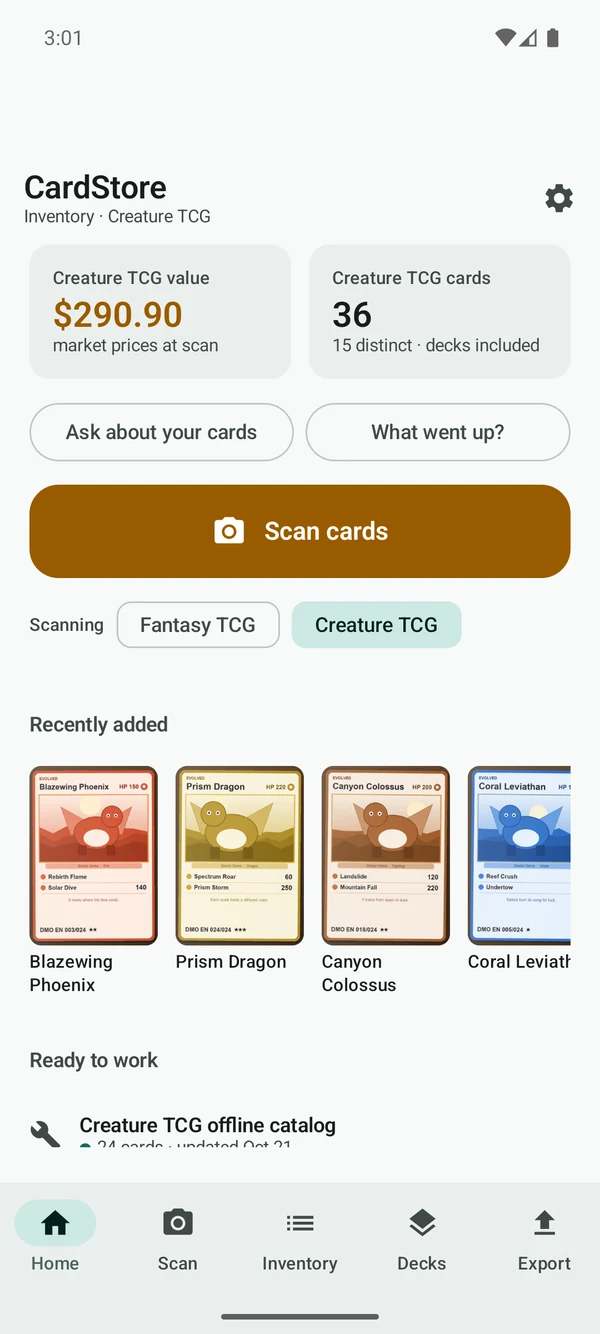
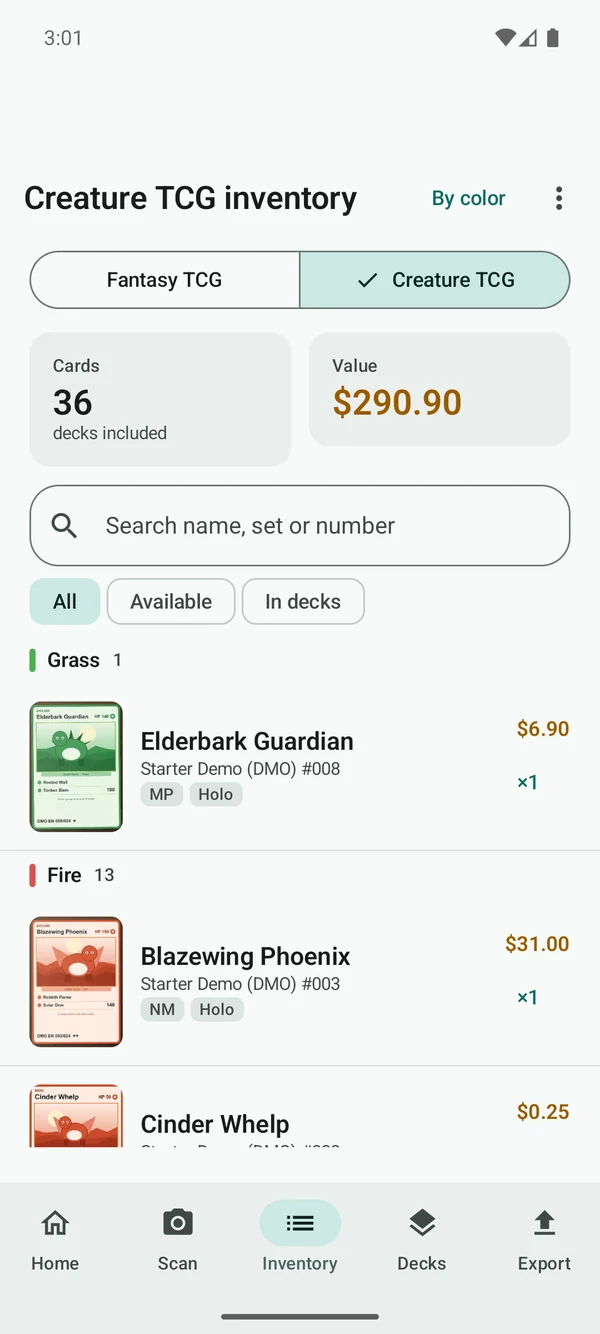
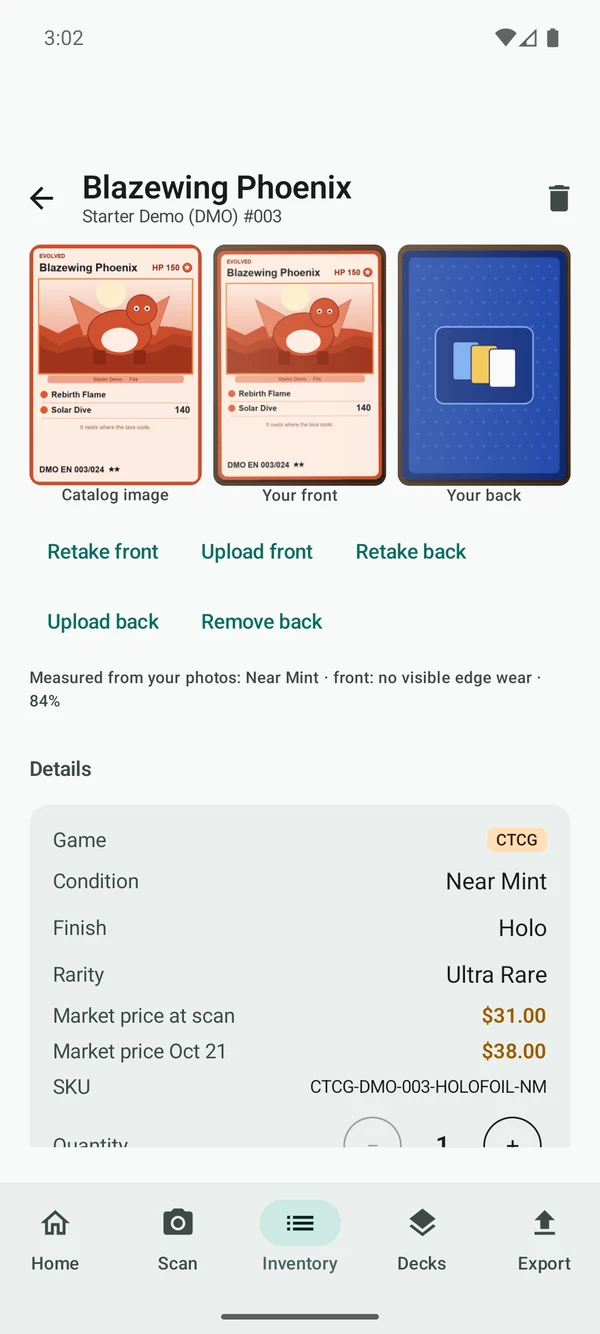
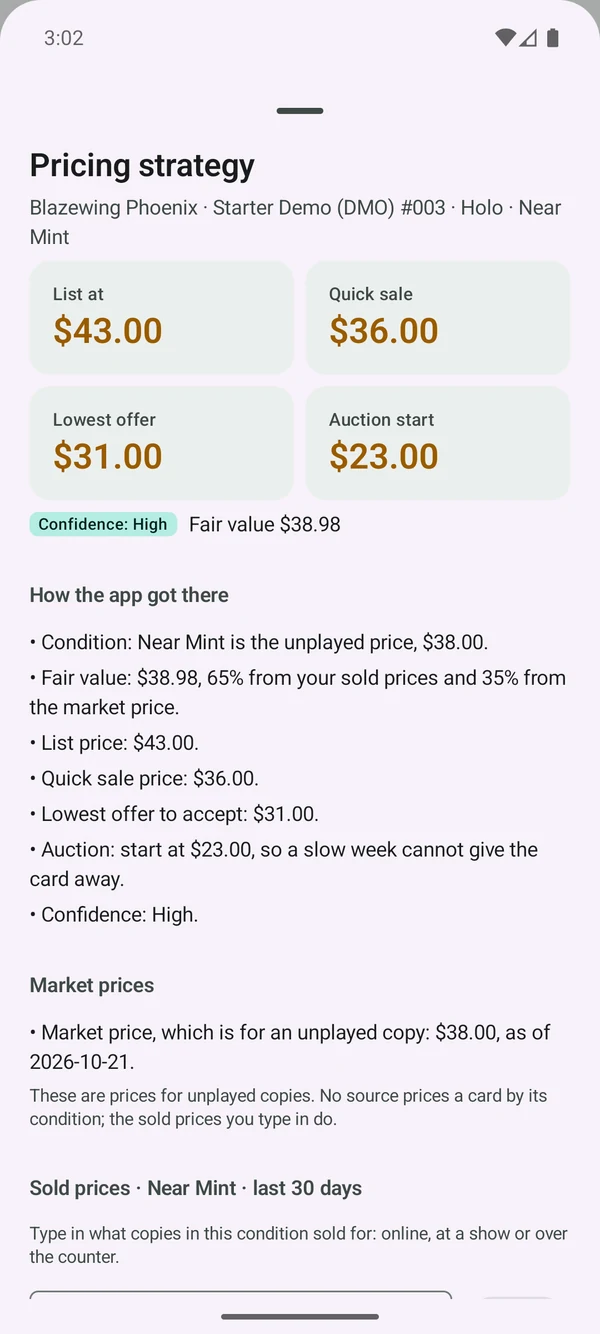
No More Typing Cards In One by One
It replaces typing each card into a spreadsheet by hand and looking up its price separately, one card at a time. CardStore Inventory cuts out that per-card lookup-and-type step: the card, its printing and its market price are on one screen, and it goes into stock from that same screen.
Stock You Can Find and Take With You
Search the inventory by name, set or number. Export it to a CSV file, one row per card, that opens in any spreadsheet. Back up the inventory and restore it when you need to.
Custom Software the Shop Owns
CardStore Inventory was built as custom software for this shop, not rented from a software vendor. The shop owns the source code, and there is no per-seat subscription for the app itself.
We build every custom app that way. See custom enterprise apps for web, iPhone, and Android.